

Inkwell caught timeline problems I didn't know were there. Not vague suggestions — specific, fixable issues that would have embarrassed me later.
Live Beta
A writing studio built for long-form storytellers.
For novelists, screenwriters, and nonfiction authors who want fewer loose threads and more finished work.
Plan, draft, and revise with structure that holds together.
Catch what drifts before readers do.
Privacy-first by design. AI only when you choose.
Not built for emails, social posts, or quick AI prompts.
Live beta. Founder pricing when paid plans launch.
Your manuscript is never training data. Ever.
Tools grouped by Plan & Organize and Write & Improve
Trust and control
Preview before send
Local-first by default
AI only when you choose
How beta access works:
1 Request access
2 Get invited
3 Start writing
Paced so we can support long-form projects properly.
A studio, not a chat box.
Inkwell is built for sustained attention, clear structure, and drafts you can trust.
AI never touches your work unless you explicitly turn it on.
- Structure that holds your story together
- Privacy that respects your work
- Tools that stay out of your way
Proof
What Inkwell Catches
Concrete examples of issues Inkwell surfaces automatically — before readers or editors find them.
Detected automatically
Unresolved promises
Setups that never pay off. Questions that quietly disappear.
Detected automatically
Timeline violations
Impossible sequences, time compression errors, and continuity gaps.
Detected automatically
Voice inconsistency
Dialogue or narration that shifts tone across scenes, especially after revisions.
Detected automatically
Pacing drift
Chapters that drag without earning it, or rush before the reader is ready.
The kind of structural issues spell-checkers and grammar tools don't see.
Structure that stays out of your way.
Everything you need for long-form work, arranged like a calm workspace.
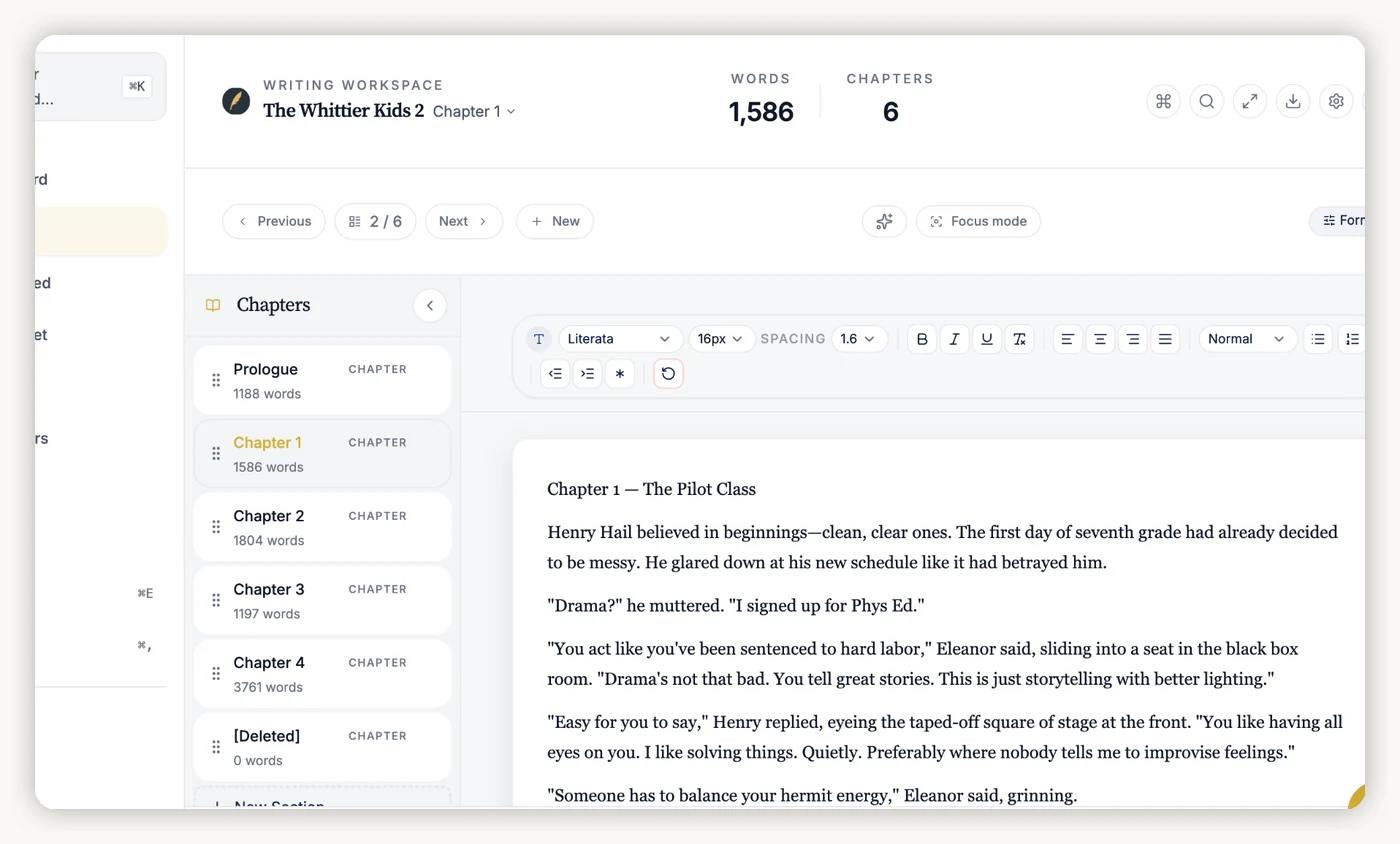
Chapter and scene tracker
See your entire manuscript at a glance. Reorder scenes without losing your place or breaking continuity. Always know what changed — and what it affected.
Drag to reorder
Status badges
Word targets
Character Bible
Stop scrolling back to check eye color, backstory, or who knows what — everything is one click away.
Timeline checker
Flags impossible sequences — like a character in two cities on the same day. Before an editor ever sees it.
Story threads
Track every promise you make to your reader. Never leave a setup without a payoff.
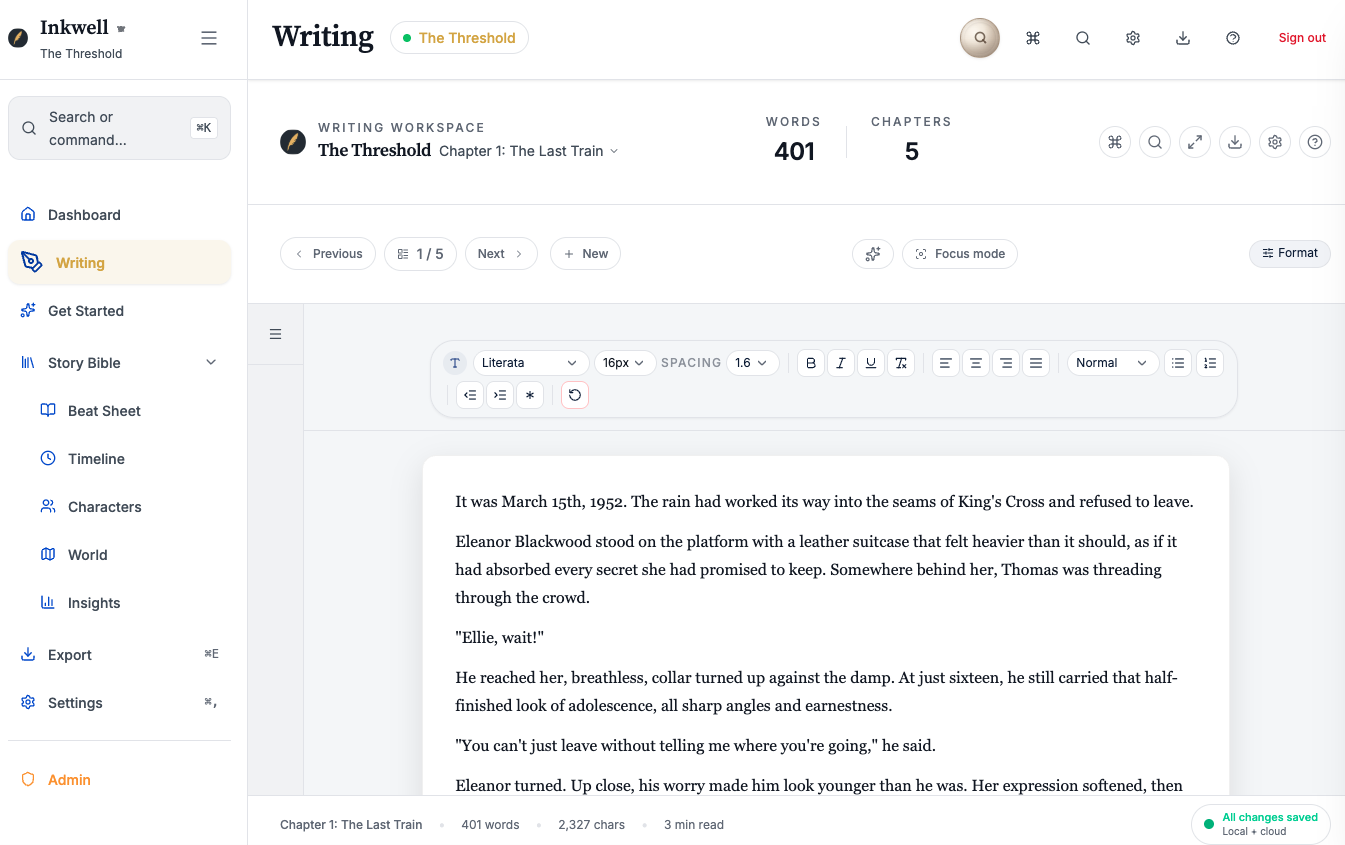
Focus mode
Strip away everything except your words. Three modes for when you need to write without distraction.
Focus
Zen
Typewriter
Guidance that respects the craft.
See what your draft is doing, fix what is drifting, keep what is working.
Plot Navigator
Shows exactly which threads are unresolved and where your pacing drifts. Suggests what to address next.
Beat Sheet Analyzer
Maps your manuscript to Save the Cat, Hero's Journey, or three other structures — shows where you're hitting beats and where you're missing them.
Consistency Guardian
Flags when a character's voice shifts mid-draft, or when details contradict earlier scenes.
Market Positioning
Generates comp titles, target audience descriptions, and query letter copy based on your actual manuscript.
Two studios, one workflow.
Every tool fits into one of two modes: planning your story, or improving your draft.
You're never wondering where to go next.
Plan & Organize
Structure your story before and during the draft.
- Beat Sheets
- Characters
- World Building
- Timeline
- Story Insights
Write & Improve
Refine your prose and keep momentum.
- Chapter Feedback
- Scene Clarifier
- Summarize Chapter
- Ideas & Continuations
Never lose track of characters, timelines, or unfinished threads
Surfaces what needs fixing before your readers find it
Switch modes anytime without losing your place
How Inkwell fits into your workflow
You don't have to write differently to use Inkwell.
Start with a blank page or an existing draft. Write chapter by chapter, scene by scene, the way you already do.
As your manuscript grows, Inkwell quietly keeps track of what humans struggle to hold in their heads at scale: timelines, character details, story threads, and structural balance.
Use planning tools when you need clarity. Use focus mode when you need silence. Turn on AI only when you want a second set of eyes — and preview exactly what leaves your machine before it does.
Inkwell is designed for drafts that are too complex to "just remember."
Nothing forces you forward. Nothing rewrites your voice. Your draft stays yours.
Modes
Choose how you work. Switch anytime.
Start simple. Add Power when you want it. Your manuscript is never training data.
Local-only Free
Core writing and planning tools. No AI. No cloud. No ambiguity.
- Editor with Focus, Zen, Typewriter
- Chapters, characters, timeline, world
- Export: PDF, DOCX, EPUB
Hybrid Cloud + AI
Cloud storage with included AI tools.
- Sync across devices
- Included AI for essential features
- No API key required
Power Mode BYOK
Full AI assistant with your own API key. You choose the provider. You control the cost. Nothing is stored.
- Full AI tools in both studios
- Your key, your provider, your cost
- Nothing stored beyond your device

Privacy Promise
Your manuscript stays yours.
- Your manuscript is never training data.
- Local-only mode means nothing leaves your machine.
- AI is opt-in, not assumed.
AI Mode
Choose what leaves your machine
Local-only
Core writing tools. All AI features disabled. Drafts stay local.
Protect the work. Make the work.
A calm studio for focus, structure, and trust.
Your manuscript is never training data.